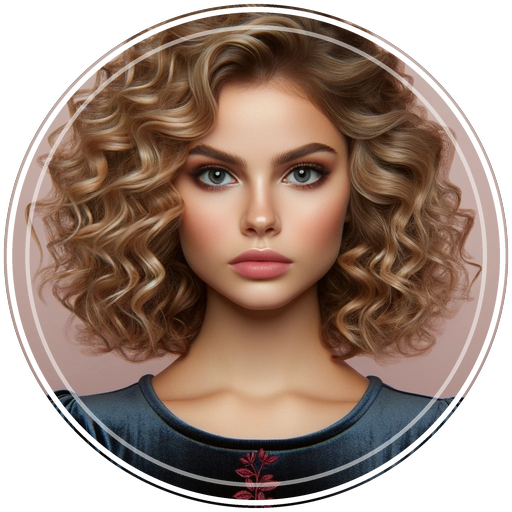
Crop a Photo into a Circle (100% Free & Transparent PNG)
Transform standard photos into high-definition circular profile pictures with custom borders, squircle shapes, and 136+ designer ornaments.
Download Free on App Store⚡ Direct Answer: How to Crop to a Circle
To crop a photo to a circle, select your photo in an anti-aliased circular editor like Circle Crop for iOS, align your focal point (face or logo) inside the circle overlay, apply a border or ornament, and save as a 32-bit transparent PNG to keep corners clear.
Over 60,000 people search for "crop a circle" and "crop to circle" every month across Google and Bing. Whether you need a circular logo for your website header, an avatar for Discord and Instagram, or a professional headshot for LinkedIn, standard rectangular crops just don't cut it.
In this guide, you will discover the fastest way to crop photos into circles without pixelated edges or solid black backgrounds.
Pick Your Style: Border Rings, Squircles & Ornaments
A plain circular cutout is only the beginning. With the free Circle Crop iOS App, you can elevate your avatar with signature border styles and ornaments:
 Clean White
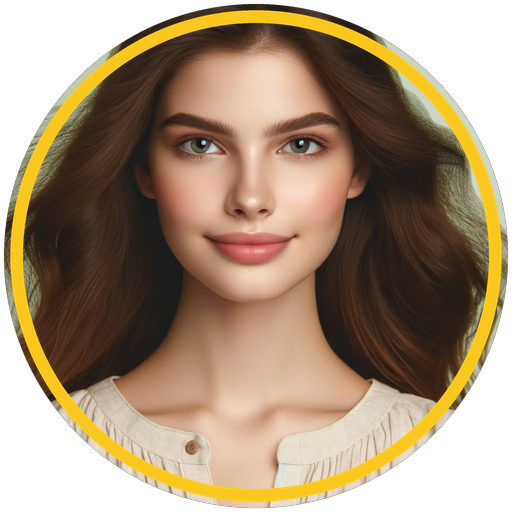 Gold Luxury
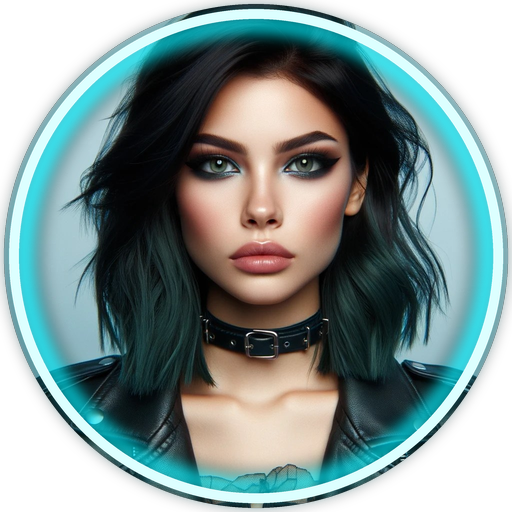 Neon Cyan
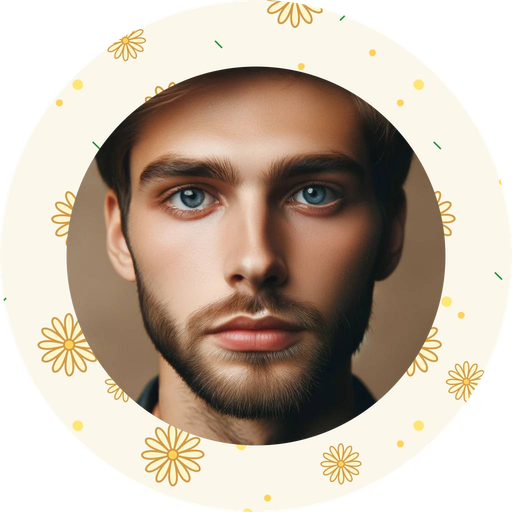 🌸 Floral Wreath
 👑 Vintage Royal
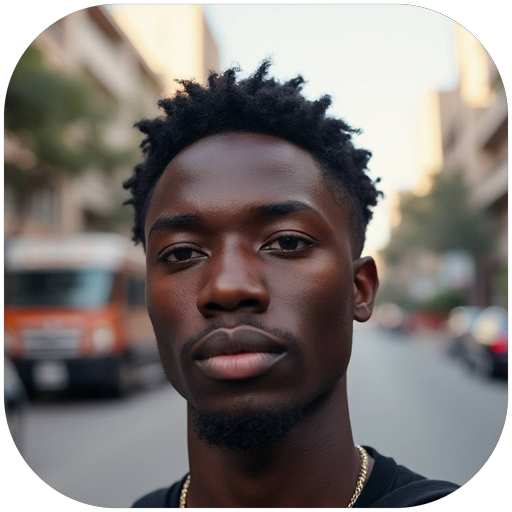 Squircle (iOS)
⚡ Explore All 222 Avatars in the Live Interactive Gallery
Why Circle Crop: Photo Crop & PFP Is the #1 Choice
- Fluid Pinch & Zoom: Pan and frame any photo without forced square aspect ratios.
- Multiple Modern Shapes: Circle, Squircle (iOS Rounded), Hexagon, Oval, and Square.
- Lossless Alpha Transparency: Genuine transparent PNG export so no ugly white or black boxes appear behind your avatar.
- 136+ Designer Ornaments: Handcrafted floral wreaths, royal crests, festive ribbons, and cyberpunk neon borders.
- Zero Ads Distraction & Instant Export: No laggy browser loading or subscription paywalls.
Create Your Circular Profile Picture Today
Download Circle Crop on your iPhone or iPad and join thousands of creators upgrading their social media presence.
📱 Get Circle Crop Free on App StoreFrequently Asked Questions
How do I crop a photo into a circle for Discord?
Import your picture into the Circle Crop app, select the Circle or Hexagon shape, optionally add a Neon Cyan or Vivid border, and export as a 1080×1080 transparent PNG. Upload directly to Discord user profile settings.
Will cropping into a circle reduce my photo resolution?
No. Circle Crop exports in ultra-high-definition 1080×1080 resolution with anti-aliasing to preserve 100% of your camera's original sharpness.
Comments
Post a Comment