Make a clean round profile picture on iPhone for Instagram, WhatsApp, and Discord with Circle Crop — transparent PNG export and framing tips that survive each app’s mask.
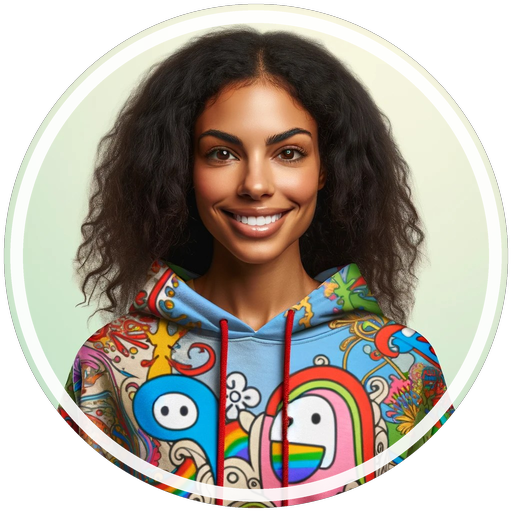
Social-ready profile styles
Sample exports from crop-circle-picture · full showcase.
WhatsApp-ready #55 | 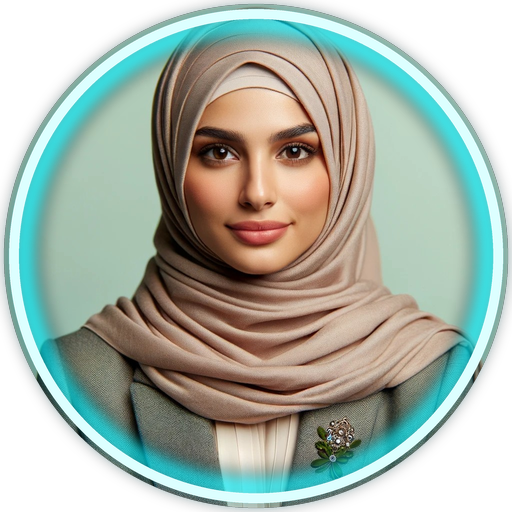 Neon #8 |  Vivid #90 | 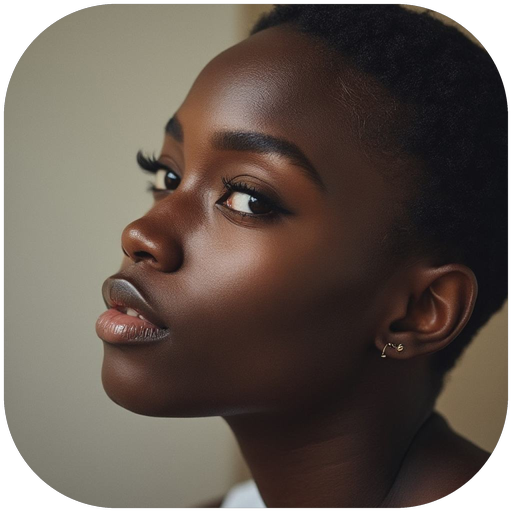 Squircle #110 |
Our app: Circle Crop: Photo Crop & PFP — free Instagram, WhatsApp, TikTok & Discord sizes. Transparent PNG. Built for iPhone.
Instagram, WhatsApp, and Discord all show your avatar as a circle. They don’t ask you for a circle file — they mask whatever you upload. That’s why a great square photo can still look wrong online.
Here’s how to make a profile picture on iPhone that still looks right after each app clips the corners — using Circle Crop, our profile-picture maker on the App Store.
The rule that fixes most bad avatars
Treat the four corners of your photo as disposable.
Eyes, chin, logo letters, and important edges must sit inside an imaginary circle in the middle of the frame. If something important is near a corner, the social mask will remove it.
Platform cheat sheet
| App | What the mask does | Framing tip |
|---|---|---|
| Tight circle on profile | Leave space above hair; avoid text near edges | |
| Circle in chat list + profile | High contrast face works better at tiny sizes | |
| Discord | Circle (often with status badge) | Keep the face centered; badge can cover bottom-right |
One master circle PNG from Circle Crop can feed all three. Export once, reuse everywhere.
How to make the avatar on iPhone
1. Start with a sharp photo
Use a well-lit face or a clean logo on a simple background. Soft, blurry selfies fall apart at chat-list size.
2. Circle-crop with our app before you upload
Photos can’t export a true transparent circle. Use Circle Crop: Photo Crop & PFP:
- Download Circle Crop (free to start).
- Open the app and pick your photo.
- Choose the Instagram, WhatsApp, or Discord size (all free).
- Pinch/pan until the face or logo sits comfortably inside the ring.
- Export PNG when you want transparent corners.
- Save to Photos.
Need the full beginner guide? See How to Circle Crop a Photo on iPhone (Transparent PNG).
3. Set it in each app
- Profile → Edit profile → Change profile photo
- Choose the circle PNG from your library
- Adjust the pinch zoom, then save
- Settings → Profile photo
- Gallery → select the PNG
- Position inside the circle preview → Done
Discord
- You → Profile → Edit user profile (or Edit server profile)
- Change avatar → pick the PNG
- Save
Free vs Pro in Circle Crop
- Free: Instagram, WhatsApp, TikTok, Discord sizes · circle crop · transparent PNG
- Pro (optional): AI face auto-centering · more shapes/borders · LinkedIn, YouTube, X, and more
You can ship a great avatar without paying. Pro is there if you want the extras.
Mistakes that make avatars look amateur
- Uploading a full-body shot — faces turn into tiny dots in chat lists
- Putting a logo edge against the frame — letters get clipped
- Using a white-background “fake circle” screenshot — leaves a square halo
- Saving only JPEG when you need transparency over colored themes
Download Circle Crop
Don’t let Instagram, WhatsApp, or Discord decide which corners to destroy. Circle-crop first with our app, export a transparent PNG, then upload the same master avatar everywhere.
→ Get Circle Crop: Photo Crop & PFP on the App Store
Also from Just Clack: MP3 Converter • Video to Audio · HIIT Interval Timer: Circuit · All apps
Comments
Post a Comment